If you've ever tried to force yourself through an 8-hour coding sprint or a massive writing project, you are probably familiar with Pomofocus.io. For years, it has been the default "tomato timer" of the internet. It is minimalist, it ticks, and it tells you when 25 minutes are up.
But here is the harsh reality I learned after years of desk-bound burnout: Time management is useless if you don't have the physical energy to execute it. When your Pomofocus timer hits zero, what do you actually do? If you are like most people, you stay glued to your chair, open a new tab, scroll through Twitter or Reddit, and wait for the five minutes to pass. You aren't resting; you are just shifting your screen addiction.
This is exactly why PomoFit was built. We recognized that the traditional Pomodoro method was missing two critical components of human performance: metabolic recovery and auditory environment control. Let's break down why upgrading from a static timer to an active one will fundamentally change your workday.
The Science of the "Active Break"
The human body was not designed to sit in a C-shape for 10 hours a day. Prolonged sitting causes blood to pool in your lower extremities, reducing oxygen flow to your brain. This is the biological root of that notorious 3 PM brain fog.
According to research published by the National Institutes of Health, taking passive, self-regulated breaks often leads to a faster increase in fatigue. To actually recover personal resources like motivation and energy, you need to disrupt your sedentary posture.
Where Pomofocus Fails:
Pomofocus gives you a blank screen and a countdown. It relies entirely on your depleted willpower to get up and stretch.
Where PomoFit Excels:
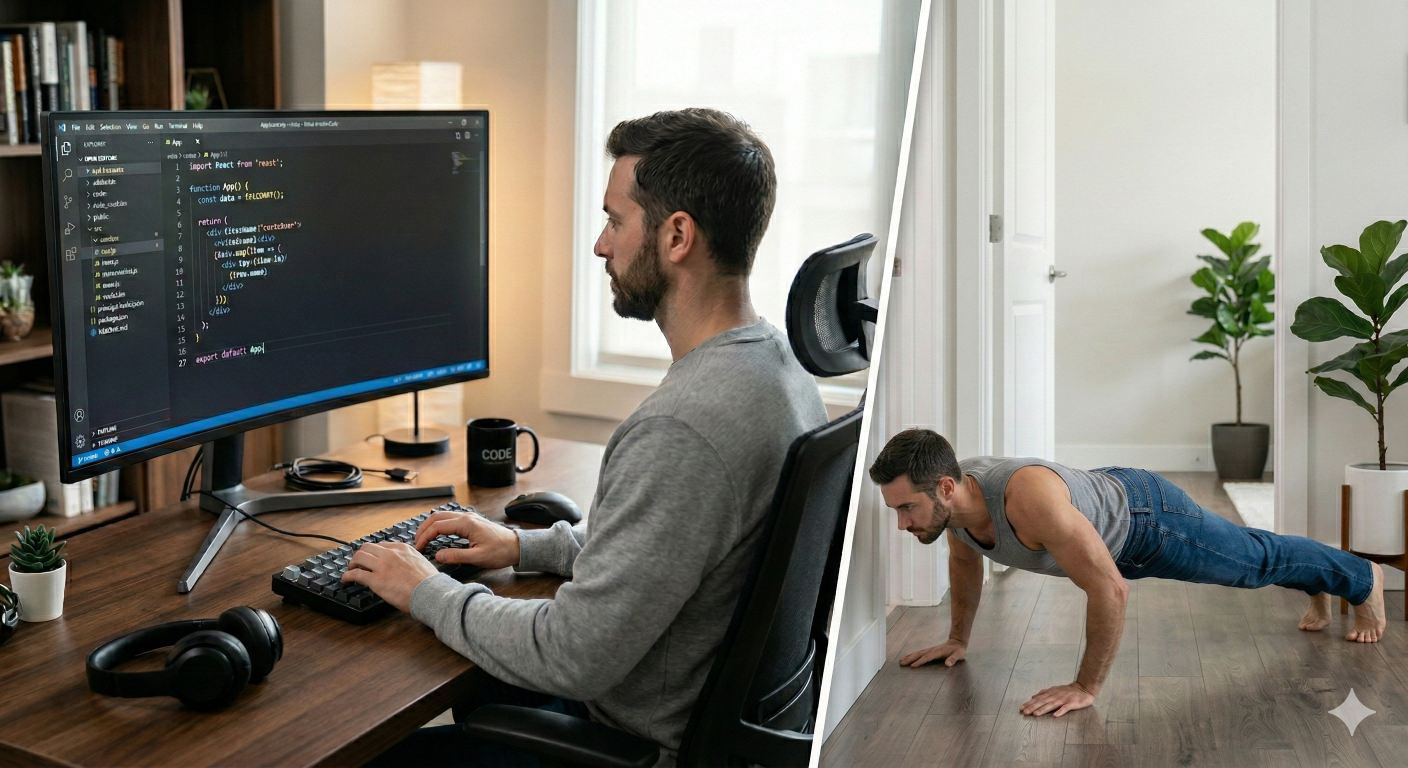
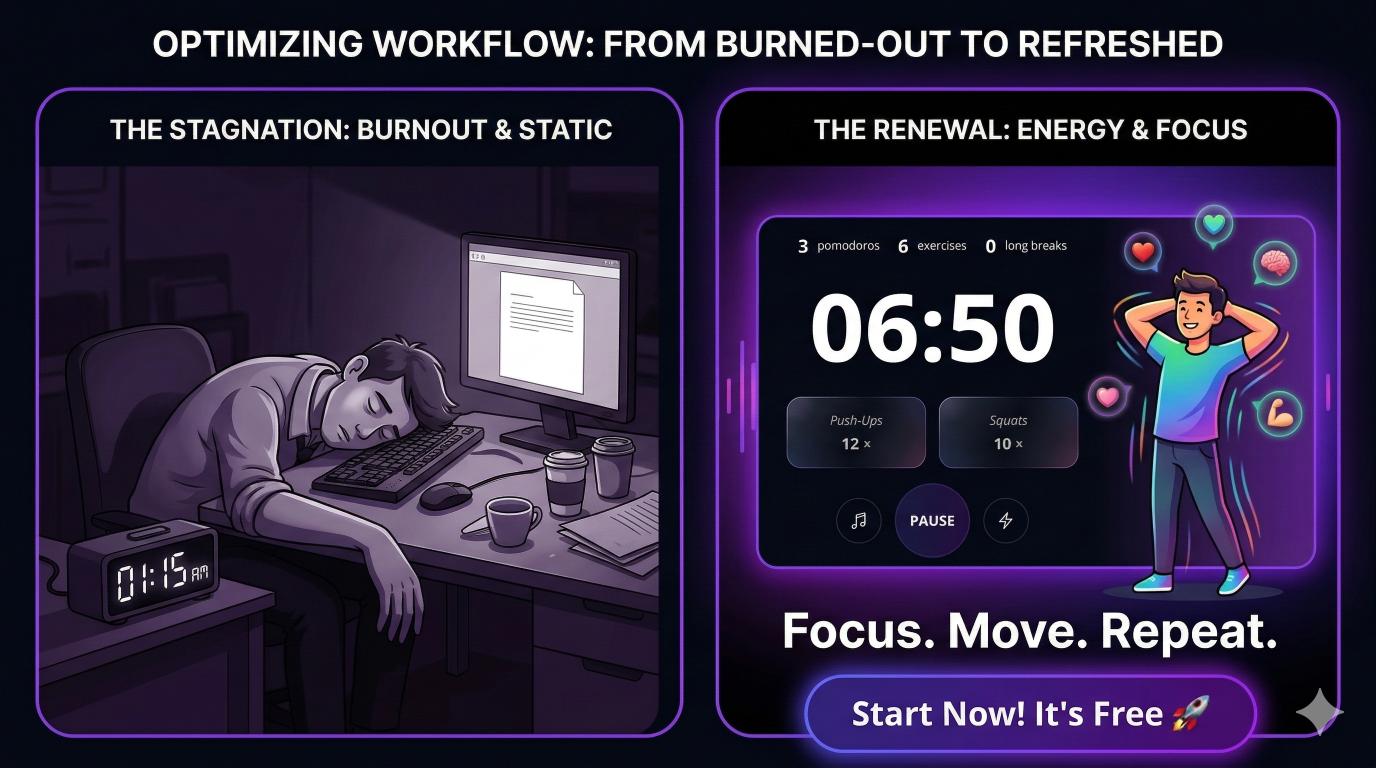
PomoFit is built on a philosophy of Focus. Move. Repeat. Instead of a blank break screen, PomoFit integrates a built-in exercise library directly into your workflow. When your focus session ends, you are prompted to do a micro-exercise — like 15 push-ups, 20 lunges, or a 30-second plank.
The Result: You spike your heart rate, flush fresh oxygen to your prefrontal cortex, and return to your desk with your nervous system reset. You aren't just tracking time; you are building physical health into your workday.
Stop Punishing Your Posture
Ready to eliminate afternoon brain fog? Turn your break times into metabolic fuel with guided micro-exercises.
The Cognitive Cost of "Context Switching"
Deep work requires entering a "flow state" — that magical zone where the work feels effortless. Neuroscience shows that listening to instrumental music or lo-fi beats increases dopamine levels, which naturally lowers perceived effort and anchors your attention.
The Pomofocus Problem:
Pomofocus offers basic alarm sounds, but no native music. This means you have to open Spotify or YouTube in another tab. When your break starts, you have to manually pause your music. When the break ends, you have to find that tab again to press play. Every time you switch tabs, you suffer from "attention residue," breaking your flow and wasting cognitive energy.
The PomoFit Solution:
PomoFit features native YouTube Music integration. You can connect your own YouTube playlists directly inside the timer.
Smart Audio Routing: When your focus session begins, your lo-fi beats play automatically. When your exercise break starts, the music automatically pauses so you can focus on your movement. No tab switching. No broken focus. Just seamless transitions between deep work and physical recovery.
Feature Breakdown: PomoFit vs. Pomofocus
Here is a quick look at how the two tools stack up when it comes to holistic productivity:
My Personal Shift from Ticking Clocks to Active Days
A few years ago, after a massive software launch, my lower back felt like it was made of glass. I had clocked 12 Pomodoros that day on Pomofocus, but I felt physically destroyed. I realized that treating my body like a machine attached to a keyboard was a losing game.
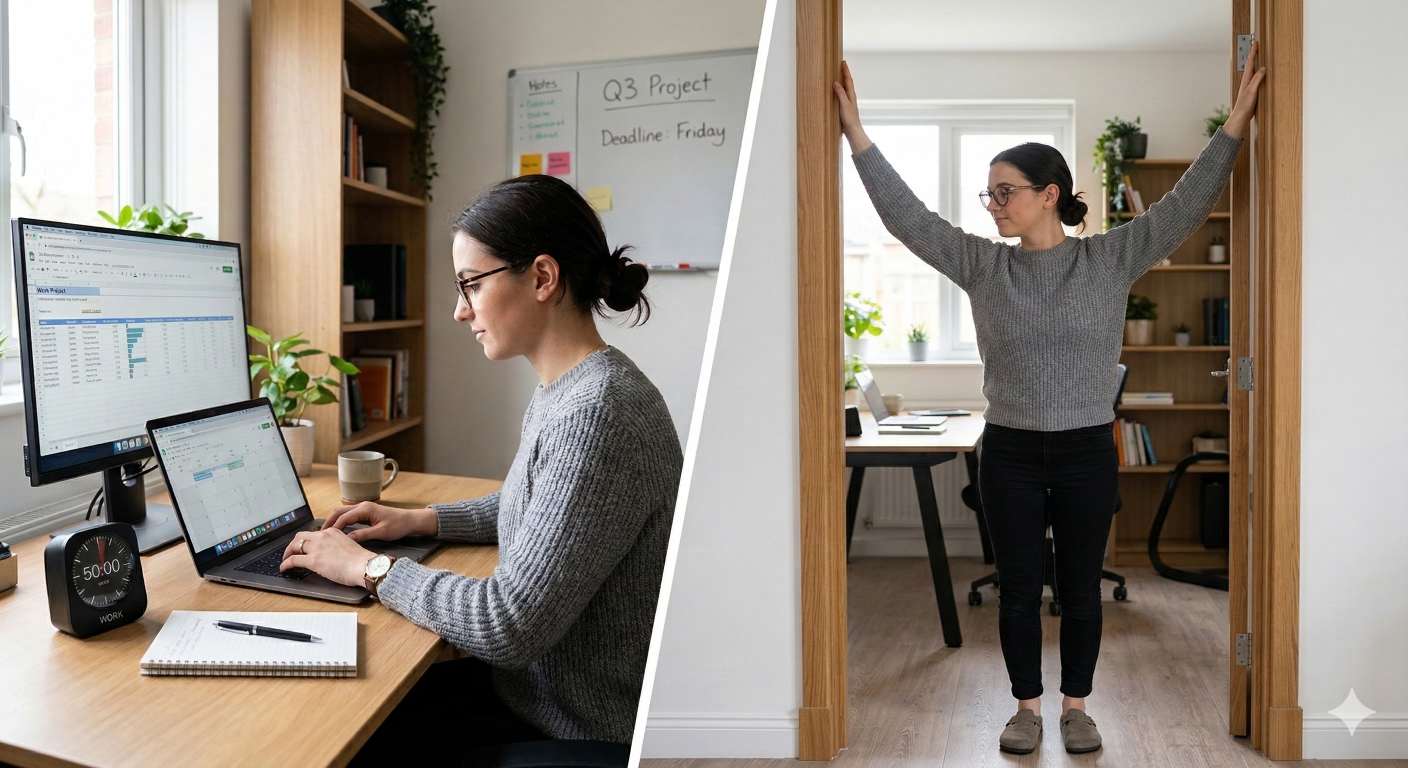
I switched to integrating squats and doorway stretches during my 5-minute intervals. The change was immediate. The mid-afternoon slump vanished. My code quality improved because I wasn't fighting fatigue. That personal protocol is exactly what PomoFit automates for you today.
If you just want a clock that ticks down from 25, Pomofocus is fine. But if you want to protect your spine, sustain your energy, and seamlessly control your auditory environment, you need a tool that treats you like a human being.
Upgrade Your Workday
Join the professionals who are reclaiming their health and focus. Get built-in exercises, YouTube integration, and detailed stats.